Verifying your profile helps confirm its authenticity and shows others that it belongs to the correct player or parent. Until you have verified your profile, you will not be able to update it.
Before your profile has been verified, it will look like this:
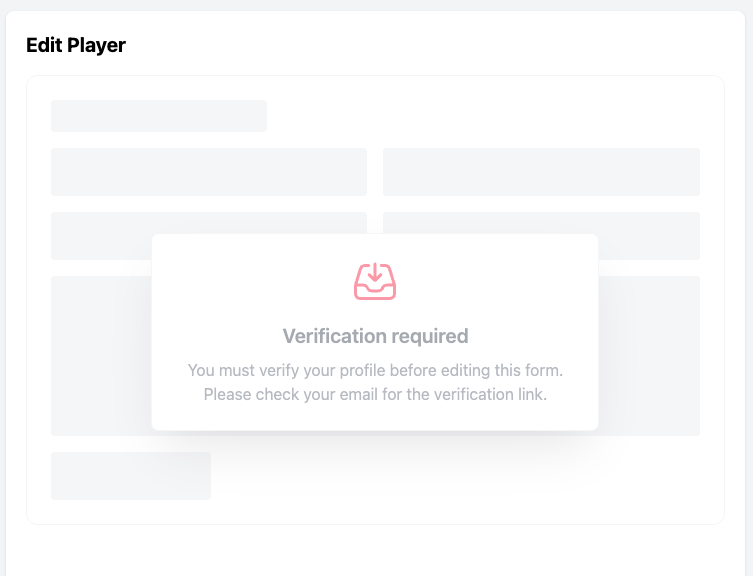
Here’s how to verify your profile:
Step 1: Claim and Update Your Profile
Before you can verify your profile, ensure that you have claimed it and updated all relevant information.
Step 2: View Your Player Profile
Once your profile is claimed and updated, navigate to your player profile.
Step 3: Check Your Email and Verify
Once you have created and claimed your profile, you will receive an email with a request to verify your account. Once you click to verify, you will be able to edit your profile.
Comments
0 comments
Article is closed for comments.